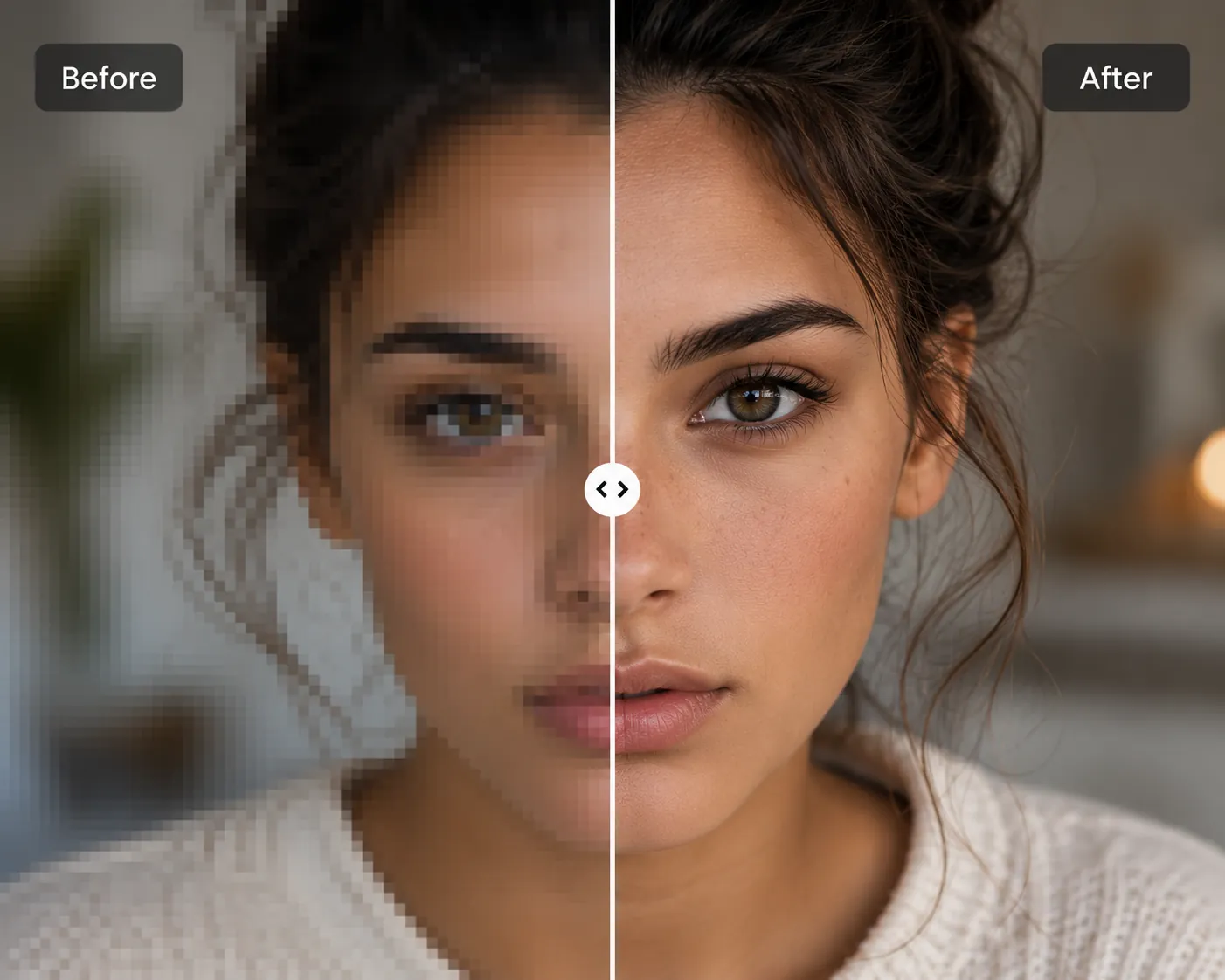
Turn blurry, low resolution images into sharp, high quality ones and how AI upscaling actually differs from the traditional kind.
An AI image upscaler is one of the most useful tools a designer can reach for. Run on a low quality image, it enhances detail and enlarges the image, turning something blurry into something sharp without the guesswork traditional upscaling involves.
Blurry, pixelated images don't do a brand any favors on a website or social feed. Maintaining visual credibility often means reaching for an AI upscaler instead of a traditional one, since AI-driven upscaling reconstructs detail in a way traditional methods simply can't match.
It's become an essential tool for graphic designers, social media creators, and online business owners alike all of whom run into the same low resolution problem on a near daily basis.
It's a familiar situation: you find a great photo for a project or website, but it's low quality. A client hands over a logo that needs to go bigger, and scaling it up makes it look blurry. A photo looks fine on a small screen but falls apart the moment it's used somewhere larger.
AI has largely solved this. Upload a low quality or blurry image, and an AI upscaler returns a sharp, larger version no manual retouching required.
Traditional upscaling tools have always had a real limitation: they mostly just stabilize colors while increasing size. The output looks marginally better, larger, but still blurry no real visual improvement, just more pixels.
AI upscaling takes a fundamentally different approach. Instead of just smoothing colors to look more pleasant, AI upscalers analyze patterns, textures, edges, and structure, then reconstruct a more polished, higher quality image from that analysis. Because the underlying models are trained on millions of low and high resolution image pairs, the output is noticeably sharper than what traditional upscalers can produce.
The result isn't just a bigger image it's one with genuinely improved quality, with blur reduced rather than just stretched.
AI Vectorizer Tools' upscaler is built to handle logos, photos, and product images without compromising quality and unlike single purpose upscaling apps, it pairs upscaling with vectorization in the same place, so a designer working on a logo that needs to become a true vector, or a photo that needs to go from low quality to high quality, doesn't have to switch tabs partway through.
Other upscaling tools on the market tend to specialize narrowly some are tuned for simple photos and product shots but aren't recommended for logos or more complex images; others cap out at a lower upscale multiplier that's fine for casual use but not built with designers in mind. Before committing to any tool, it's worth checking its privacy policy and reviews some upscalers use uploaded images to train their own models, which isn't always disclosed clearly upfront.
AI upscaling is reshaping how the image upscaling problem gets solved converting low resolution images into sharp, high resolution ones accurately, whether that's restoring an old memory or bringing an aging, low quality logo up to a size that actually works today. The technology is accessible, quick to use, and improving faster than the traditional approach ever did.