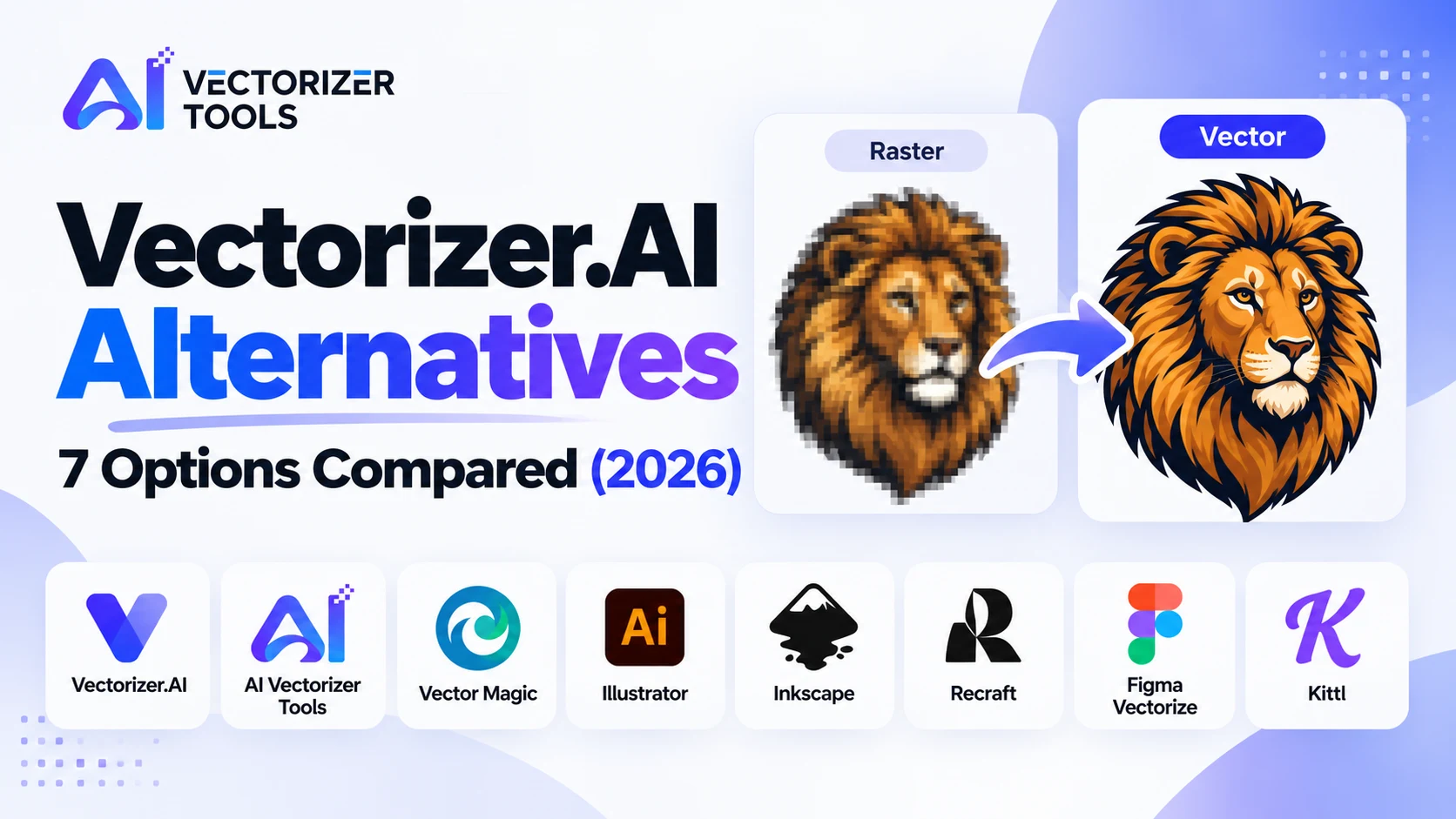
Vectorizer.AI is the benchmark for high-fidelity vectorization, but it isn't the right fit for everyone. Here's what it does well, why people look elsewhere, and seven tools worth considering.
Vectorizer.AI is often the first tool people turn to when converting a PNG or JPG into a vector format, and for good reason. In its 2026 year-end review, Recraft identified it as the benchmark against which other AI-powered vectorization tools are measured. Still, it may not be the right fit for everyone.
This guide explains why some users seek alternatives and highlights tools worth considering.
The tool is designed for high-fidelity vectorization of complex, full-color images. You can import, vectorize, and preview as many images as you like, then purchase a subscription when you're ready to download the final results. It supports exporting to SVG, PDF, EPS, DXF, and PNG formats.
A few recurring friction points come up in reviews and user feedback:
Convert PNG, JPG, and WebP files into SVG, EPS, and DXF formats. The SVG Converter and Vector Converter are free and run directly in your browser. The same account also gives access to background removal, 4x upscaling, watermark removal, recoloring, and image enlargement. Paid plans start at $9.99/month (see pricing).
Ideal for: logos, line drawings, and anyone who wants to vectorize images while doing other edits in one place. Note: for highly detailed, full-color illustrations, Vectorizer.AI is the industry benchmark — try your own image on both platforms.
A long-standing paid tool, widely recognized for handling complex, full-color images effectively.
Ideal for: detailed color illustrations, when you want a proven, paid solution.
The professional standard if you already use Adobe software. A single-app subscription costs approximately $23/month, billed annually.
Ideal for: designers planning extensive further work on the vector. Note: higher cost and a steeper learning curve than any online converter.
Free and open-source software offering full manual control over thresholds and colors. Complex images may need adjustments.
Ideal for: budget-conscious users who don't mind a hands-on, manual approach.
You can get started without entering payment details. It also generates vector illustrations from prompts, useful if you don't have a source image yet.
Ideal for: creating new vector illustrations and converting files.
In February 2026, Figma launched a native vectorization tool ("Vectorize") that turns a raster image on your workspace into editable vector shapes with a single click.
Ideal for: teams that already design their projects within Figma.
Includes an AI-powered vectorization tool within a platform built for sellers of merchandise and print-on-demand products, featuring templates, mockups, and a commercial license.
Ideal for: print-on-demand sellers who want both creative tools and conversion-driven features.
| Tool | Cost to download | Best for |
|---|---|---|
| AI Vectorizer Tools | Free browser converters; paid from $9.99/mo | Logos, line art, all-in-one editing |
| Vectorizer.AI | Subscription from ~$9.99/mo | Detailed full-color tracing |
| Vector Magic | Paid | Busy color images |
| Illustrator | ~$23/mo (annual) | Professional editing |
| Inkscape | Free | Manual control on a budget |
| Recraft | Free to start | Generating vectors |
| Figma Vectorize | Included with Figma | Figma workflows |
| Kittl | Platform plans | Print-on-demand |
Prices change often. Check each tool's pricing page.
Yes. Inkscape is free and open-source, and several online converters, including our SVG Converter, are free to use.
It depends on the image. Logos and line art trace well in most tools. Detailed full-color artwork is where tools differ most, so test your own file in two or three.
Vectorizer.AI and our Vector Converter both list SVG, EPS and DXF output. Always open the exported file in your own software to confirm it is clean.
Vectorizer.AI earns its reputation on complex, full-color art. But for logos, line drawings, and everyday vectorizing — especially if you also need to clean up or resize an image — a free, browser-based alternative can get you there without a subscription.