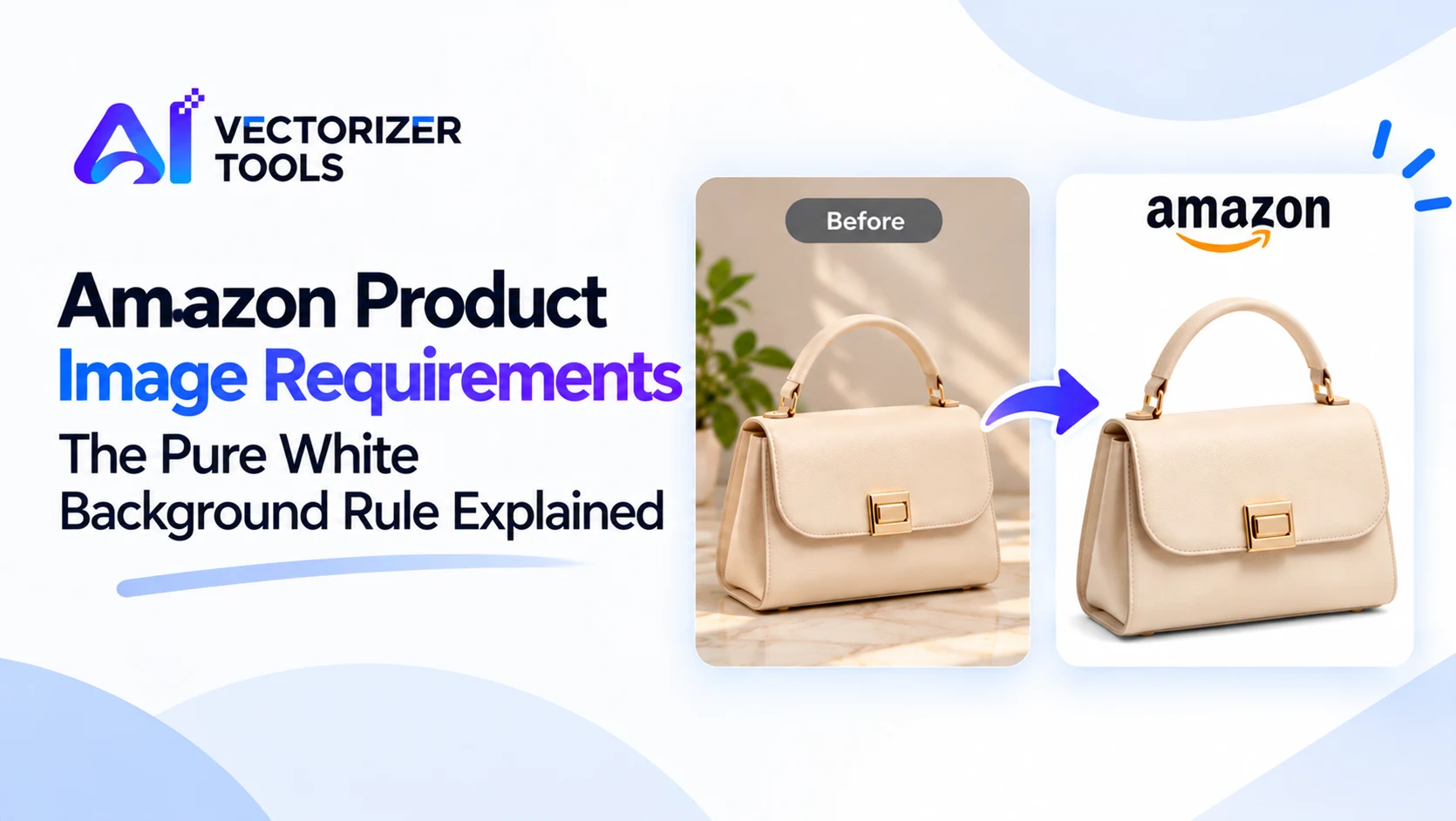
If your main image has been removed or your product listing displays a warning, the background is often the reason. Amazon's rule requiring a white background is the image requirement most frequently overlooked by sellers. This guide explains what this rule entails and how to comply with it.
The main image is the first photo that buyers see in search results and on the product page. It must meet the following requirements:
Requirements may vary by category. The apparel and food sectors, for example, are subject to additional rules; please consult the guide specific to your category in Seller Central.
Pure white is not limited to what simply "looks white." It corresponds to the exact value 255, 255, 255. Amazon's pages blend into this white; this is why backgrounds that are not pure white stand out and are flagged.
You can verify this using the "eyedropper" tool in any image-editing software: sample a color from the background and check its RGB value. A value of 250, 250, 250 is non-compliant, even if it appears to be white.
The rules are more flexible. A white background is recommended though not mandatory for additional images; unlike the main image, these may include text and graphic elements. This is the ideal space for lifestyle photos, infographics, size guides, and highlighting specific features. Amazon allows up to 9 images per product listing, including the main image.
Use a white sweep or lightbox with strong, even lighting. This gives the best quality but takes the most work.
If your image is under 1000 pixels, use the Image Upscaler to reach zoom size. Upscaling adds detail, but a sharp original will always beat an enlarged one.
Yes. Amazon's automated systems check background colors, so near-white backgrounds can be caught.
No. Put it in image 2 or later.
1000 pixels on the longest side for zoom, with larger recommended.
No. Use secondary images or A+ Content for branding.
Selling on more than one marketplace? Read how to remove backgrounds for Amazon, Etsy and Shopify.