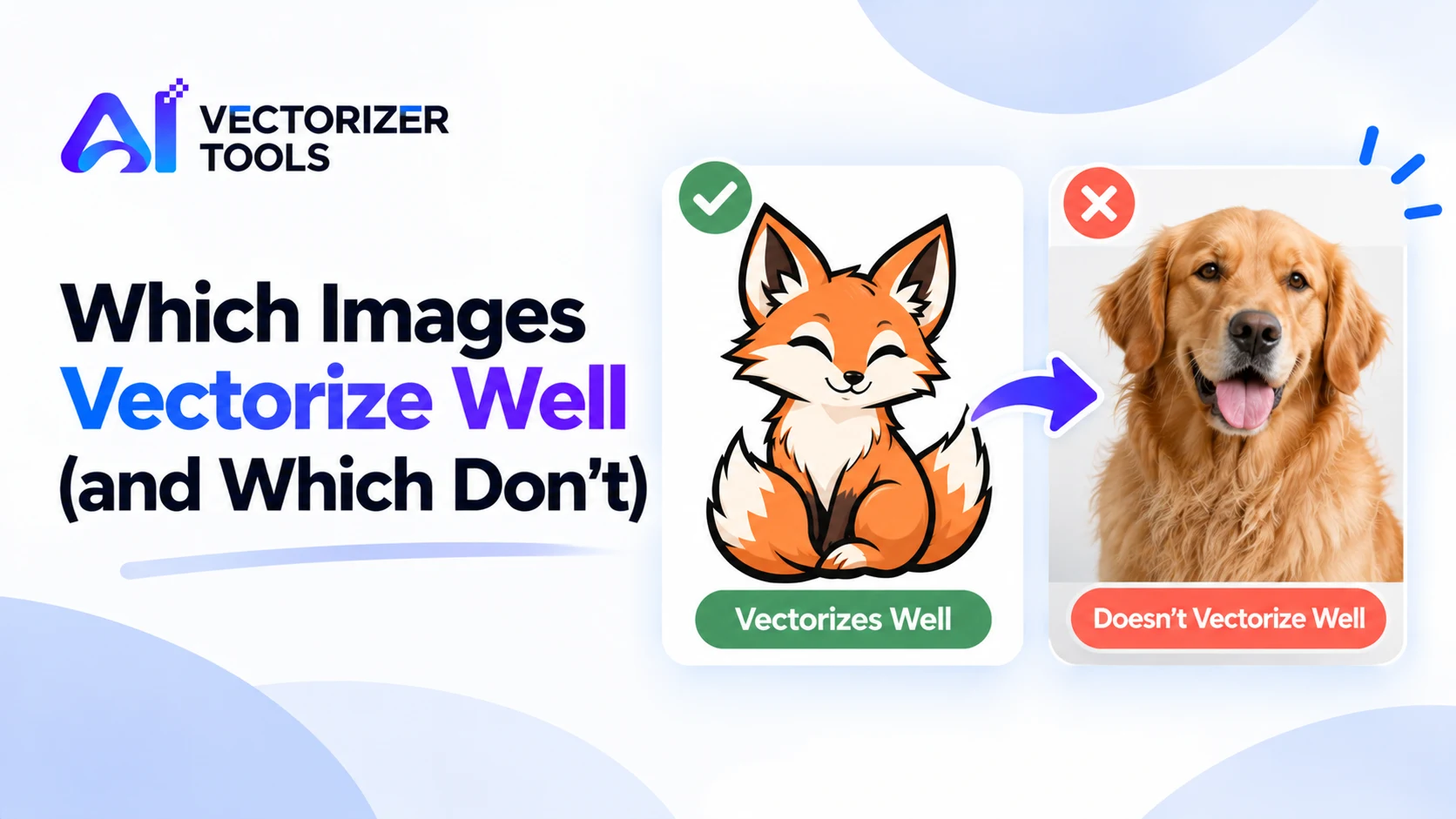
Vectorization involves transforming pixels into shapes. The result is excellent for some images, but mediocre for others. Being aware of this distinction helps save time and ensures realistic expectations.
| Goal | Best source |
|---|---|
| Cut file (Cricut, vinyl, laser) | Single-color or flat-color artwork |
| Logo master | Largest original logo you have |
| Web icon | Simple shapes, few colors |
Simplify it first: flatten gradients to solid colors, increase contrast, crop out clutter. If it's a photo you need to keep as a photo, vectorizing is the wrong tool; resize or enhance it instead.
Understanding the process makes it easier to remember the rules. A vectorization tool searches for areas of similar color, identifies their outlines, and then traces smooth curves along these boundaries. This method works well when an image consists of a limited number of clearly distinct areas, such as a logo featuring flat blocks of color. Conversely, it is less effective when colors shift gradually since there are no clearly defined outlines to follow, or when an image is composed of a multitude of tiny areas, as in a photograph of foliage.
| Image | Result | Why |
|---|---|---|
| Black logo on white, high resolution | Excellent | Two colors, crisp edges |
| Three-color flat badge | Very good | Distinct regions |
| Pen-and-ink drawing | Good | Bold lines, depends on capture quality |
| Cartoon with soft shading | Mixed | Shading becomes bands |
| Portrait photograph | Poor | Continuous tones, no clear regions |
If your image sits in the middle of that table, you can often move it up a level with a few edits.
If your primary goal is to obtain an image that can be enlarged without any loss of quality, vectorization is not the right solution. A vectorized image resembles a poster-style painting, consisting of broad, flat areas of color. If you simply want a larger version of a photo, you should enlarge it directly. If, on the other hand, you are intentionally seeking a stylized, simplified look, vectorization can be a deliberate artistic choice; keep in mind, however, that this will result in very large file sizes.
If you could redraw the image using a few flat colors and clean outlines in about ten minutes, it will probably vectorize well. If you couldn't, it probably won't.
Taking a few minutes for an honest assessment can save you a great deal of frustration. Ask yourself why you actually need a vector file. If the purpose is cutting, printing a logo in a large format, or changing the color of flat shapes, then vectorization is the right solution, and a simple source image will suffice. If, however, your goal is merely to "improve" a photograph, vectorization is not the appropriate tool; it would be better to retouch or enlarge the photo itself.
Furthermore, consider the origin of the image. A logo provided by a graphic designer usually exists somewhere in a clean, high-resolution version. Before attempting to vectorize a screenshot, ask for the original file. This simple step often resolves the issue—in fact, it is the very advice given by printing professionals. If no original is available, vectorize the best copy you can find, then clean up the result.
Finally, maintain realistic expectations regarding the final outcome. An image created via vector tracing is an interpretation of the original, not a perfect replica. Some minor details may be simplified—which, quite often, is exactly what you are looking for.
Technically yes, but photos and gradients produce messy, heavy results. Logos, line art and flat-color graphics convert best.
Tracing reduces continuous tones to a limited set of shapes, so photos turn into patches instead of smooth shading.
Yes. Larger, sharper images trace more smoothly than small or blurry ones.