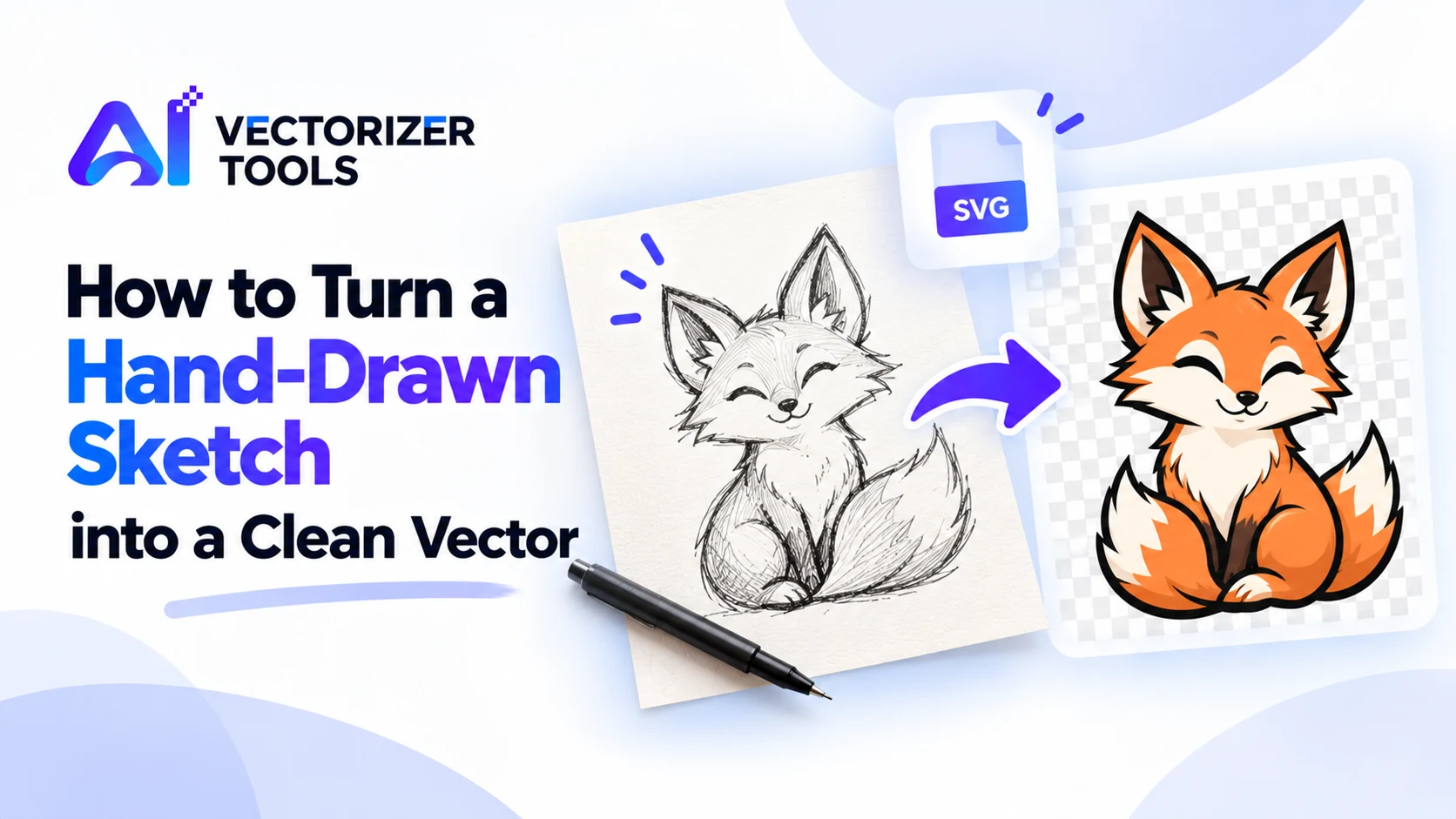
A hand-drawn sketch has character, but it is fixed at a single size. Convert it into a vector, and you can adjust its dimensions—whether for a sticker or a billboard—change its colors, or even send it to a cutting machine. The quality of the result depends almost entirely on how you digitize the drawing.
Use a dark pen or marker, not a light pencil. Black on white paper gives the strongest contrast. Make lines bold enough to survive shrinking. Close the shapes you want filled, with no gaps in outlines.
Scan it at a high resolution if you can. Or photograph it in even light, straight from above, with no shadows and no glare. If the image is small, upscale it—a larger source gives smoother curves.
Paper texture, shadows and grey tones turn into specks when traced. Crop tight, increase contrast, and, for a colorful or busy backdrop, use the Background Remover.
Zoom in to 400%. Look for wobbly lines, specks and filled-in gaps. If edges are rough, go back and use a higher-resolution capture. Delete stray dots in your vector editor.
Vectorization preserves the shapes in your drawing, including any slight irregularities that contribute to its "handmade" look. It does not redraw your lines, nor does it attempt to "improve" them. Pencil shading, textures, and washes are converted into areas with a grainy appearance; therefore, it is best to use sketches consisting of clean lines or solid shapes.
Once you have an SVG, you can use it for vinyl cutting, laser work, or as a logo master.
You have drawn a small fox mascot using black ink on white printer paper for your shop. You would like to be able to use it later as a logo, a sticker, or a design for an embroidered patch. Here is a practical approach to achieving this:
You now have a vector-based fox that you can resize as needed, apply in any color, and send to a cutting machine.
Thin, irregular lines appear uneven because they are only one or two pixels wide. A medium or thick line provides a much more practical foundation for tracing. If you intend to cut out or embroider the final result, an even thicker line is preferable. You can also draw on a large scale and then scale the image down; this helps to hide any slight irregularities in the lines.
A sketch with colored pencil or marker fills is harder. Soft shading, uneven color and paper texture all trace as noisy patches. You have two sensible options:
Once it's a vector, see preparing an SVG for vinyl cutting and laser cutting for the next steps.
Once your sketch has been converted into SVG format, it becomes far more versatile than the original paper version. You can resize it from a website icon (favicon) to a banner without any loss of sharpness, change the color of individual shapes, and place it against any background. It can be used to drive a cutting machine to create stickers or stencils, or serve as the foundation for a logo that a graphic designer can later refine. Be sure to keep the original scan as well; if you later decide to thicken the lines or simplify the shapes, you can re-run the conversion process from that source in just a few minutes. It is not uncommon to create two or three versions of the same sketch: a detailed version for large-format printing and a simplified version for smaller-scale applications.
You can, but light pencil and shading trace poorly. Go over it in dark ink, or boost contrast first.
A scan is best. A photo works if the light is even and the camera is straight above the paper.
It will smooth pixel edges, but it keeps the shape of your lines, including wobbles.