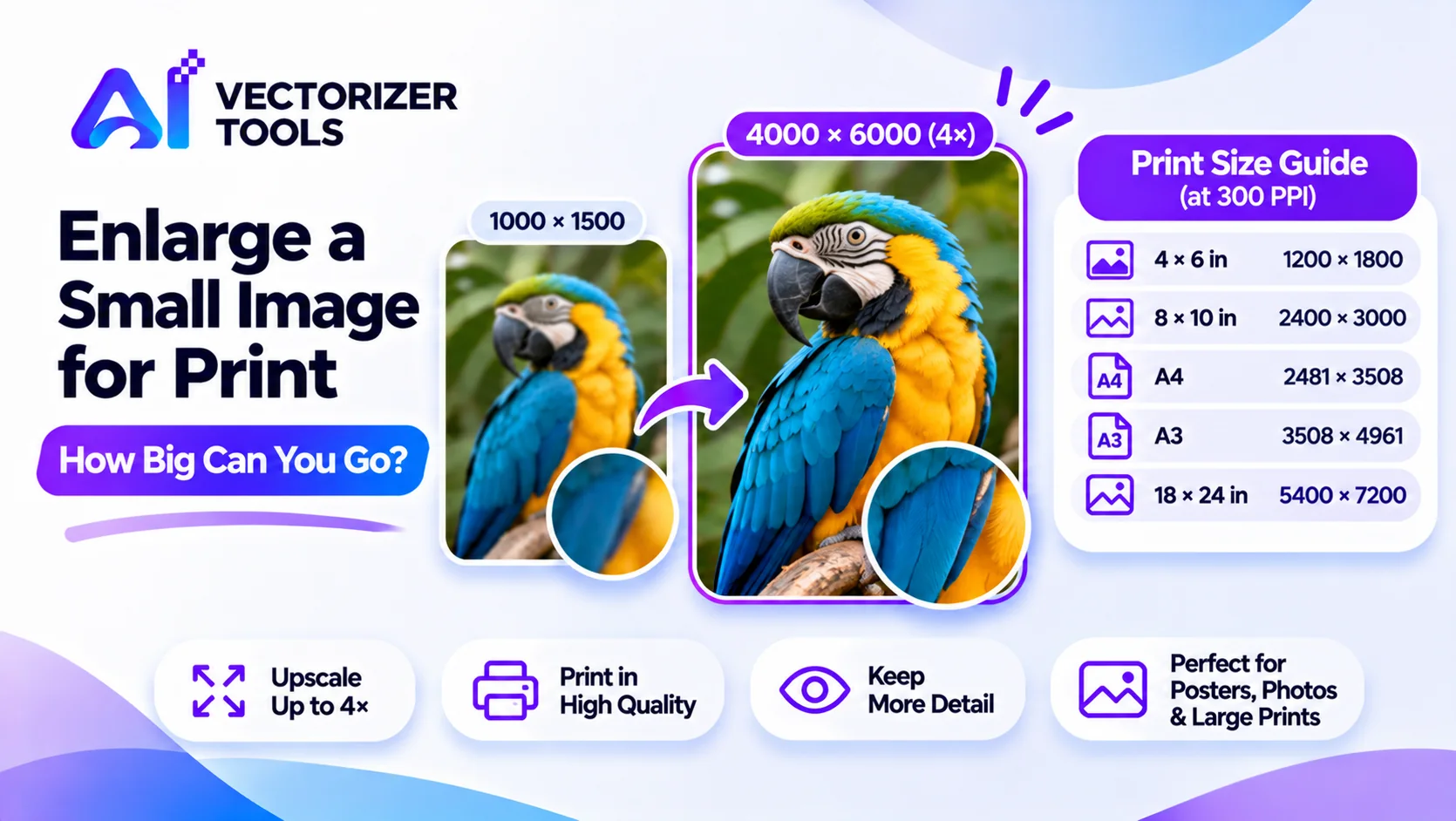
You have a small image and would like to produce a large-format print of it. The question is not whether software can enlarge it, since that is entirely possible. The real question is determining what level of detail is required and how much detail an upscaling tool can actually add. As for the fundamentals of such a tool, see how to upscale images with AI.
Print quality depends on pixels per inch. A common target for sharp prints is 300 PPI; large posters seen from a distance can look fine at lower values. Pixels needed = print size in inches × PPI.
| Print size | Pixels at 300 PPI |
|---|---|
| 4 × 6 in | 1200 × 1800 |
| 8 × 10 in | 2400 × 3000 |
| A4 (8.27 × 11.69 in) | about 2481 × 3508 |
| A3 (11.7 × 16.5 in) | about 3508 × 4961 |
| 18 × 24 in poster | 5400 × 7200 |
The Image Upscaler enlarges up to 4x. That multiplies each side, so a 1000 × 1500 image becomes 4000 × 6000, enough for roughly 13 × 20 inches at 300 PPI, or larger at lower PPI.
| Starting size | After 4x | Print size at 300 PPI |
|---|---|---|
| 800 × 600 | 3200 × 2400 | about 10.7 × 8 in |
| 1000 × 1500 | 4000 × 6000 | about 13.3 × 20 in |
| 1500 × 2000 | 6000 × 8000 | 20 × 26.7 in |
Use the table above to find the pixel size for your print.
Use the original, not a social media copy.
Upscale (1 credit) and zoom in to check faces, text and edges.
Do this if the job is important.
Viewing distance matters. A poster seen from several feet away forgives a lower PPI than a framed photo held in your hands.
The terms PPI (“pixels per inch”) and DPI (“dots per inch”) are often used interchangeably, even though they refer to different concepts. PPI indicates the number of image pixels contained within each inch of a printed document, whereas DPI refers to the number of ink dots applied by a printer. When preparing a file, it is the PPI that you should consider. A commonly recommended value is 300 PPI, which ensures a sharp print intended for close-up viewing, such as for photographs or brochures. For large-format prints meant to be viewed from a greater distance, like posters or banners, a lower resolution is generally sufficient, as the human eye does not perceive the same level of detail from afar. Do not hesitate to seek advice from your printer, as requirements may vary depending on the printing process used.
| How it will be viewed | Rough PPI that usually looks fine |
|---|---|
| Held in hand (photo, card, book) | About 300 |
| On a wall, viewed at arm's length or more (framed print, poster) | About 150 to 300 |
| From several feet away (large poster, banner) | About 75 to 150 |
These are common rules of thumb, not guarantees. A smaller PPI target means a smaller original can cover a larger print.
You have a 2000 × 1500 photo from an older phone and want a 16 × 12 inch framed print. At 300 PPI that needs 4800 × 3600 pixels, which is 2.4 times what you have. Run it through the Image Upscaler at 4x and you get 8000 × 6000, more than enough. At 150 PPI you'd need just 2400 × 1800, so even a modest enlargement is fine. You zoom into faces, check that skin and hair look natural, and order a small test print before the big one.
Screens use RGB color, and many printers convert to CMYK. Colors, especially bright blues, greens and oranges, can shift slightly in that conversion. Our tools don't manage print color profiles, so if exact color matters, ask your printer to provide a proof.
For basics on how the tool works, read how to upscale images using AI.
Upload a small image and get a larger, smoother version back, ready for print.
Upscale your image 4x →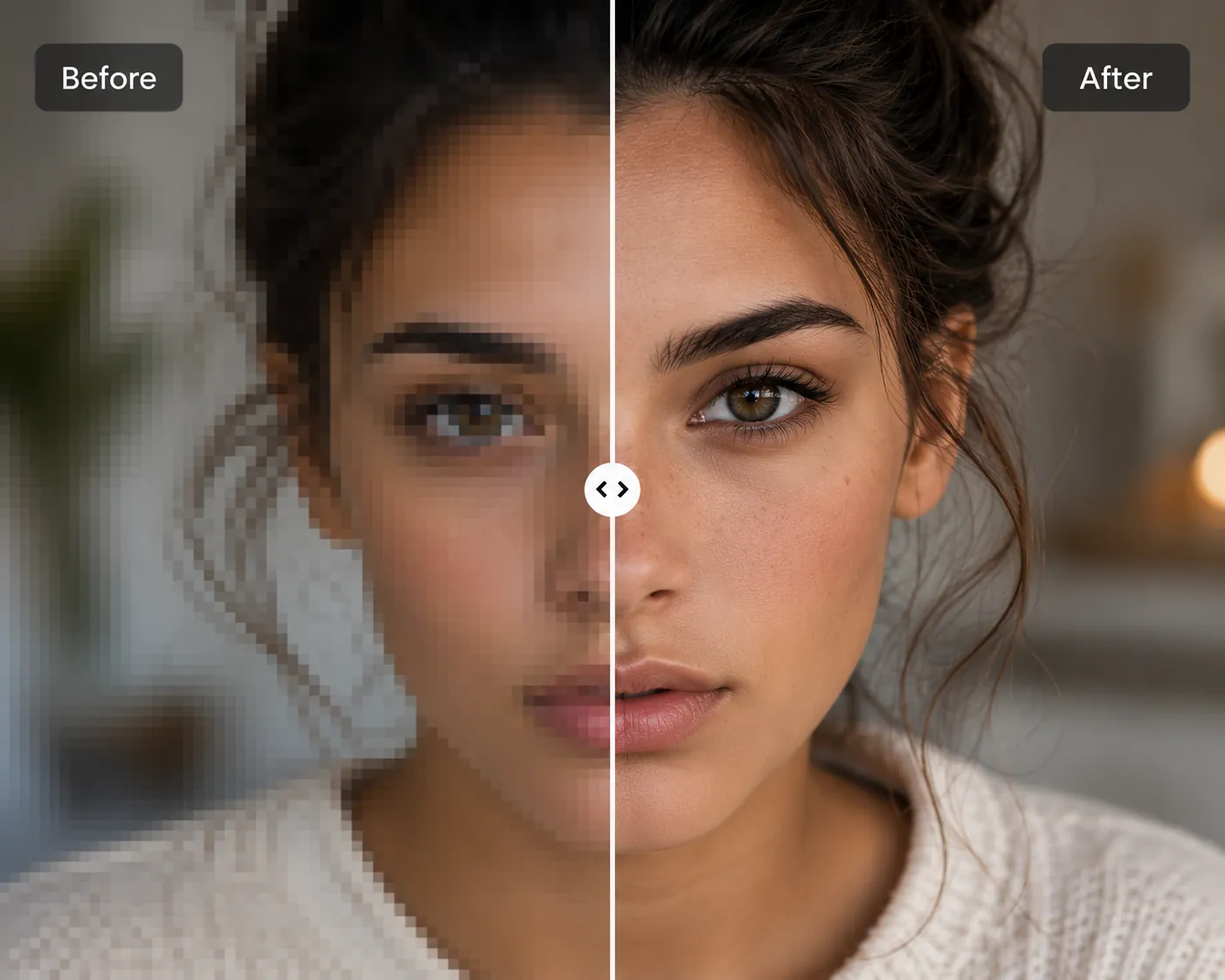
How AI upscaling actually works, and how to choose the right tool for the job.
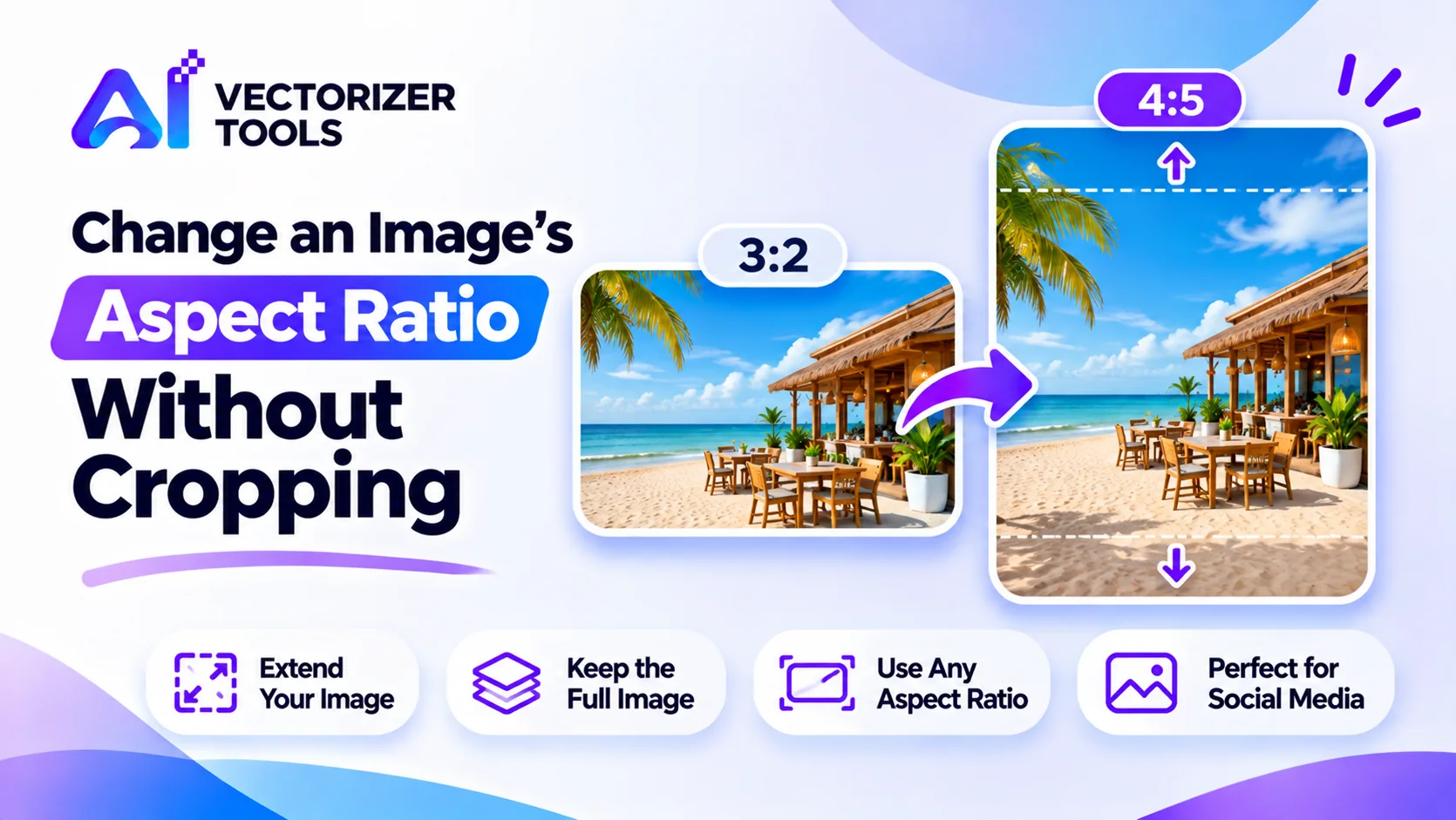
Need a portrait photo to fit a wider frame, or the other way around? Extend the edges with AI instead of cropping. Steps, limits and tips.
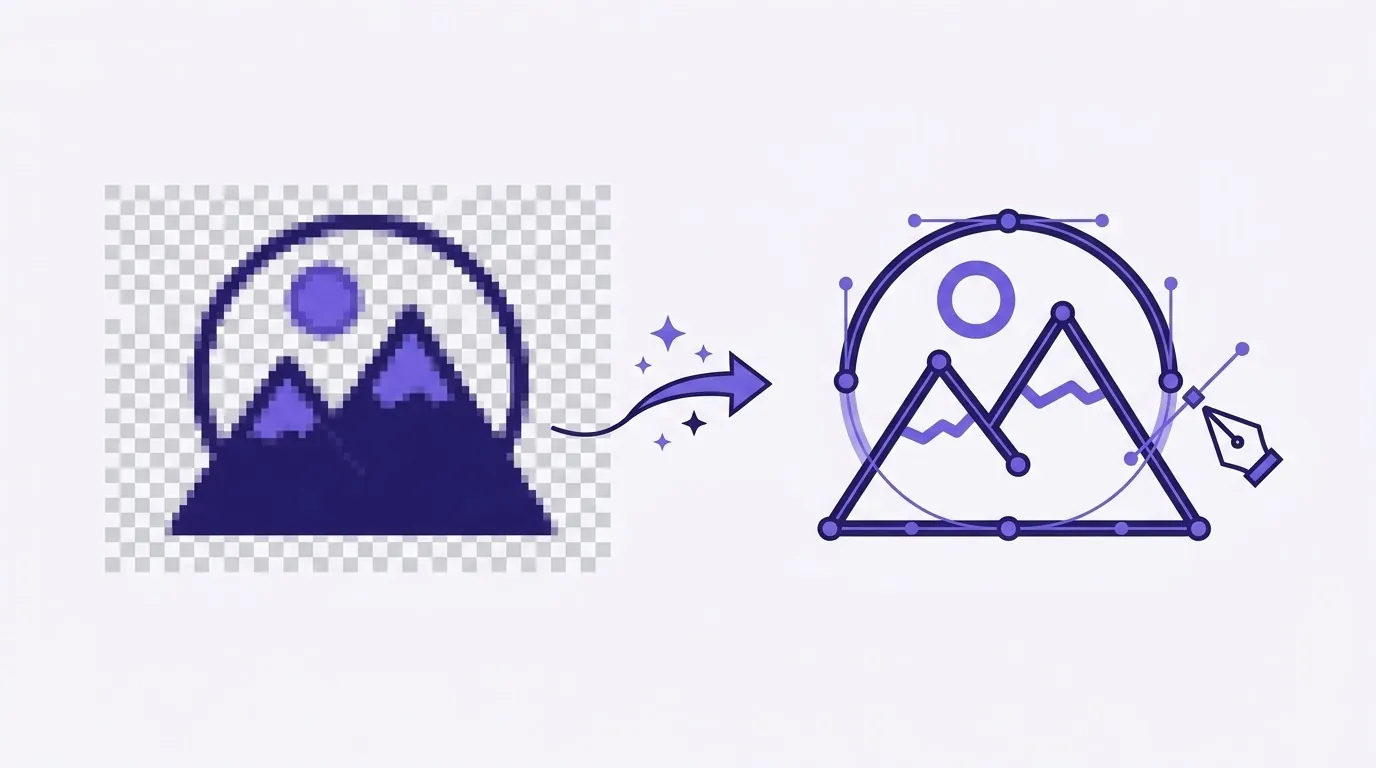
Turn any PNG into a scalable SVG for logos, print, Cricut, and the web.
Multiply the print size in inches by your target PPI. For an 18 x 24 inch poster at 300 PPI, that is 5400 x 7200 pixels, though large prints viewed from a distance can use fewer.
No. It improves apparent detail on reasonably sharp images, but it can't recover focus that was never captured.
It depends on the starting size and print size. Use the pixel math above to check before printing.