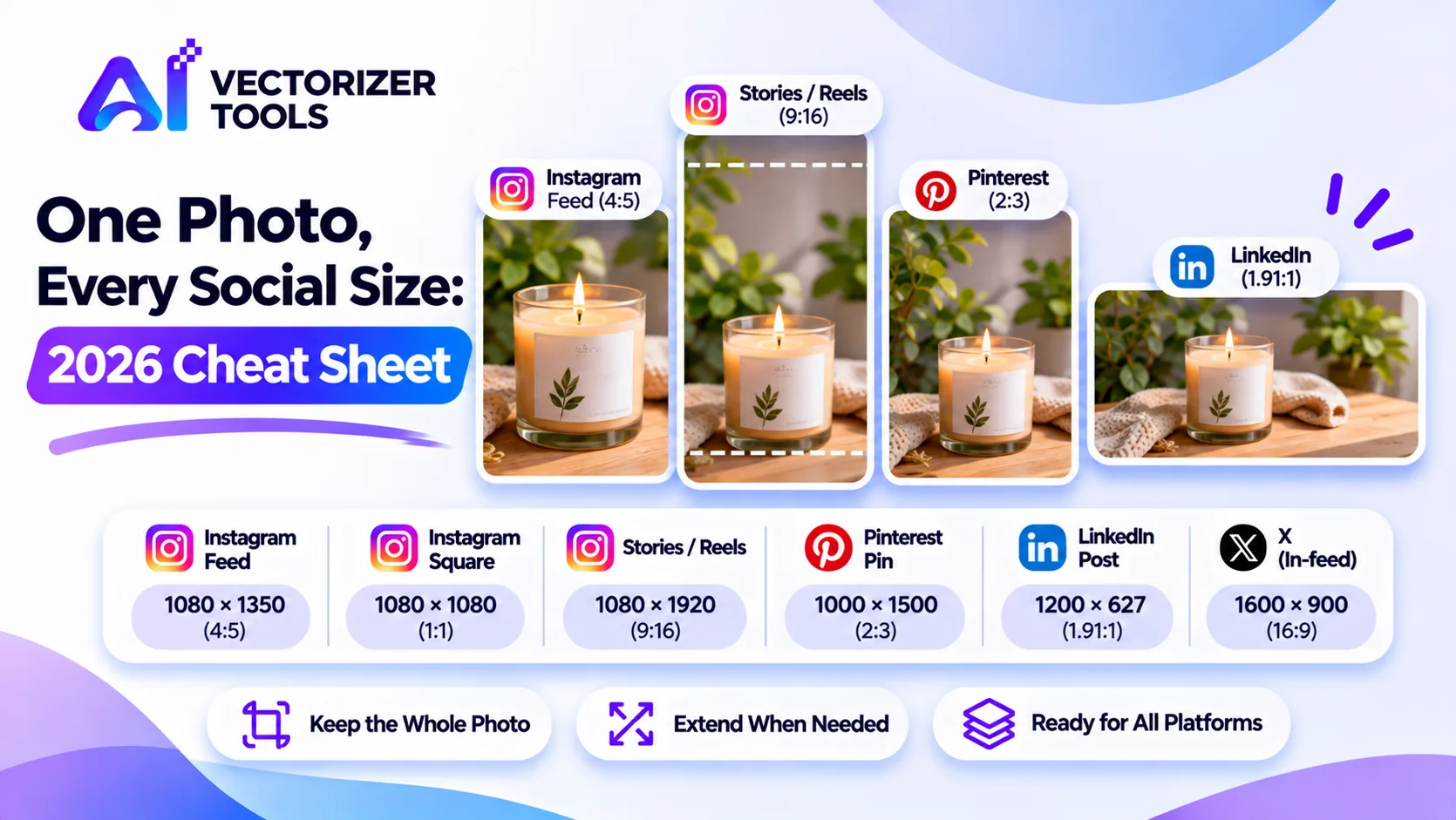
Each platform displays images in a different format. If you post the same photo everywhere, it may end up being cropped in awkward places. This guide introduces common formats and a quick method for adapting a photo to suit each of these platforms.
| Platform / placement | Size (px) | Ratio |
|---|---|---|
| Instagram feed (portrait) | 1080 × 1350 | 4:5 |
| Instagram feed (square) | 1080 × 1080 | 1:1 |
| Instagram / Facebook Stories, Reels | 1080 × 1920 | 9:16 |
| Pinterest Pin | 1000 × 1500 | 2:3 |
| LinkedIn post (landscape) | 1200 × 627 | 1.91:1 |
| X (in-feed image) | 1200 × 675 to 1600 × 900 | 16:9 |
| Link previews (Facebook, LinkedIn) | 1200 × 630 | about 1.91:1 |
Platforms change their specs, and Instagram also supports a 3:4 option (1080 × 1440). Check each platform's current guidance before a big campaign.
Spare space makes every shape easier.
Usually 9:16 for Stories, then crop down for others.
Use Image Expander instead of cropping the subject. Our guide to changing aspect ratio without cropping covers the technique.
Name it clearly, like photo-4x5.jpg.
Platforms display images in a variety of formats, and each one crops anything that does not fit its specific dimensions. A panoramic photo, which looks great on LinkedIn, turns into a thin strip in a vertical feed; meanwhile, a portrait-oriented "Story" has its edges cut off when it is placed into a square grid. The solution is not to design everything at once, but rather to prepare a sufficiently large base image, incorporating a safety margin, and then thoughtfully create each individual version.
When you take or choose the photo, leave generous space around the subject. This is the single most valuable habit. A subject placed in the middle with extra room on all four sides can be cropped to almost any ratio. A subject jammed against the edges has no flexibility.
You're launching a new candle and have one good photo, 3000 × 2400, with the candle slightly left of center. You need an Instagram feed post, a Story, a Pinterest pin and a LinkedIn post.
Four deliberate versions beat one compromise image posted four times.
| Method | Use when |
|---|---|
| Crop | There's spare space around the subject |
| Extend with AI | The subject fills the frame and you need more room |
| Letterbox (place on a colored or blurred canvas) | You can't crop or extend and need a quick, predictable result |
For the extension technique, read changing aspect ratio without cropping.
Make a folder per campaign and name each file with its purpose and size, such as candle-feed-4x5.jpg, candle-story-9x16.jpg and candle-pin-2x3.jpg. In three months you'll thank yourself.
If you publish content regularly, create a simple template for each type of placement: a workspace with the appropriate dimensions, including guides that mark the "safe zone." You simply need to drop in your photo, adjust the framing, and export the file. Over the course of a month, this can save you hours of work. Keep these templates in a dedicated folder and review them quarterly against the platforms' current recommendations, as technical specifications can change. Furthermore, these templates help team members who aren't graphic designers produce consistent visuals, since the layout, margins, and text placement are already defined. If a platform changes its recommended format, you only need to update a single file, rather than having to rework every individual post.
Need more room than your photo has? Upload it, pick the direction, and keep the whole picture.
Extend a photo to a new shape →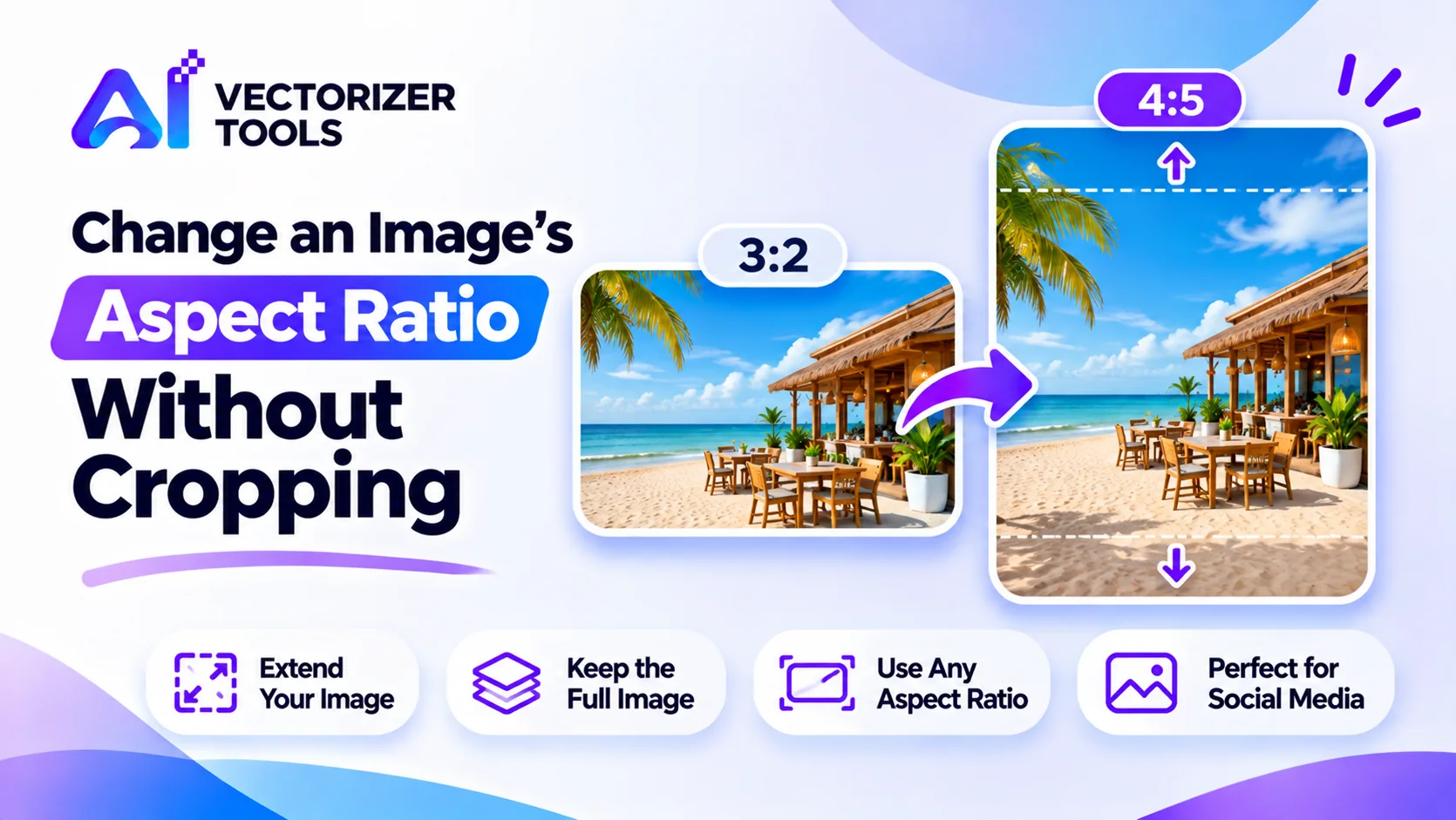
Need a portrait photo to fit a wider frame, or the other way around? Extend the edges with AI instead of cropping. Steps, limits and tips.
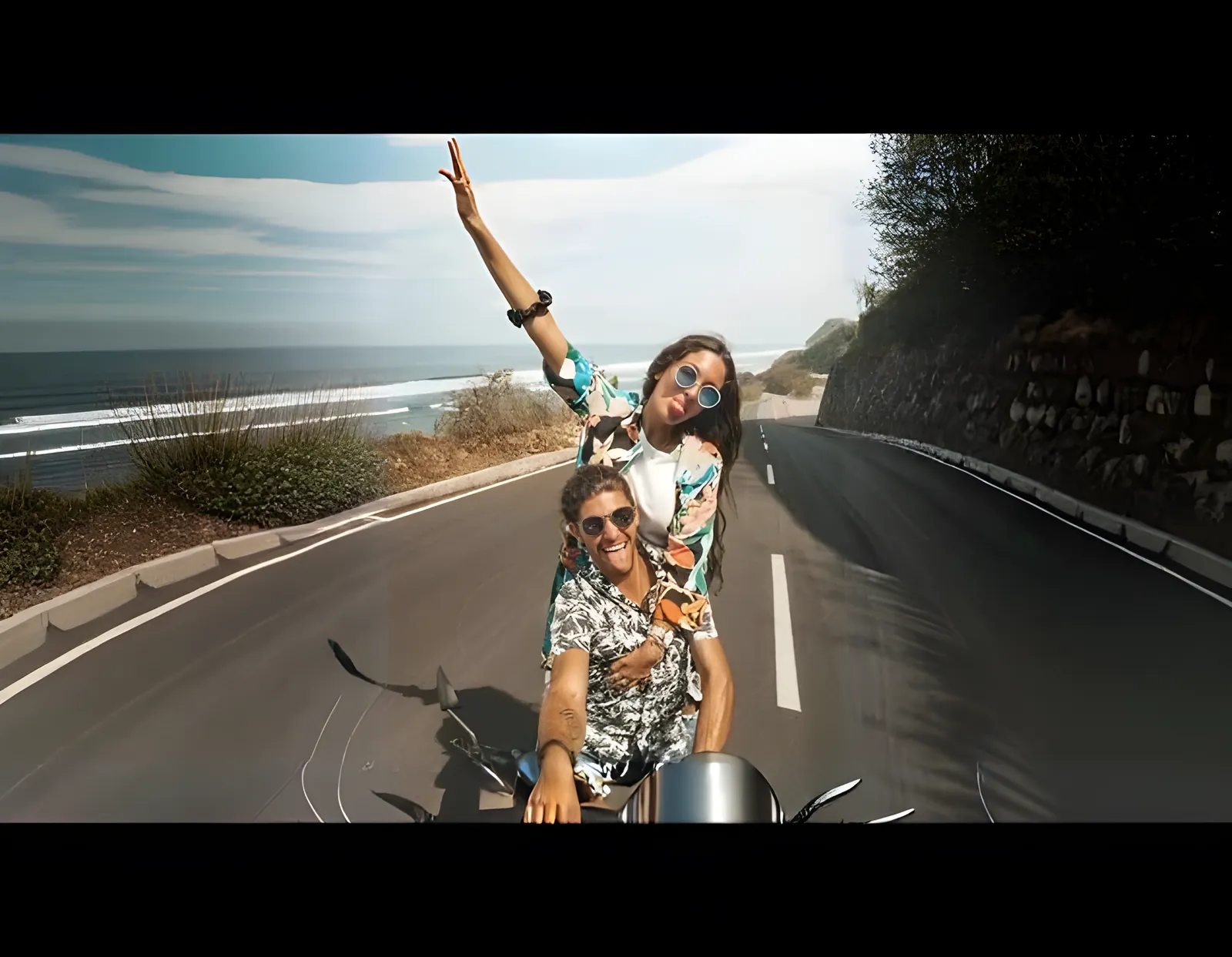
Resize any photo to a new aspect ratio without cropping or losing quality, using AI outpainting.
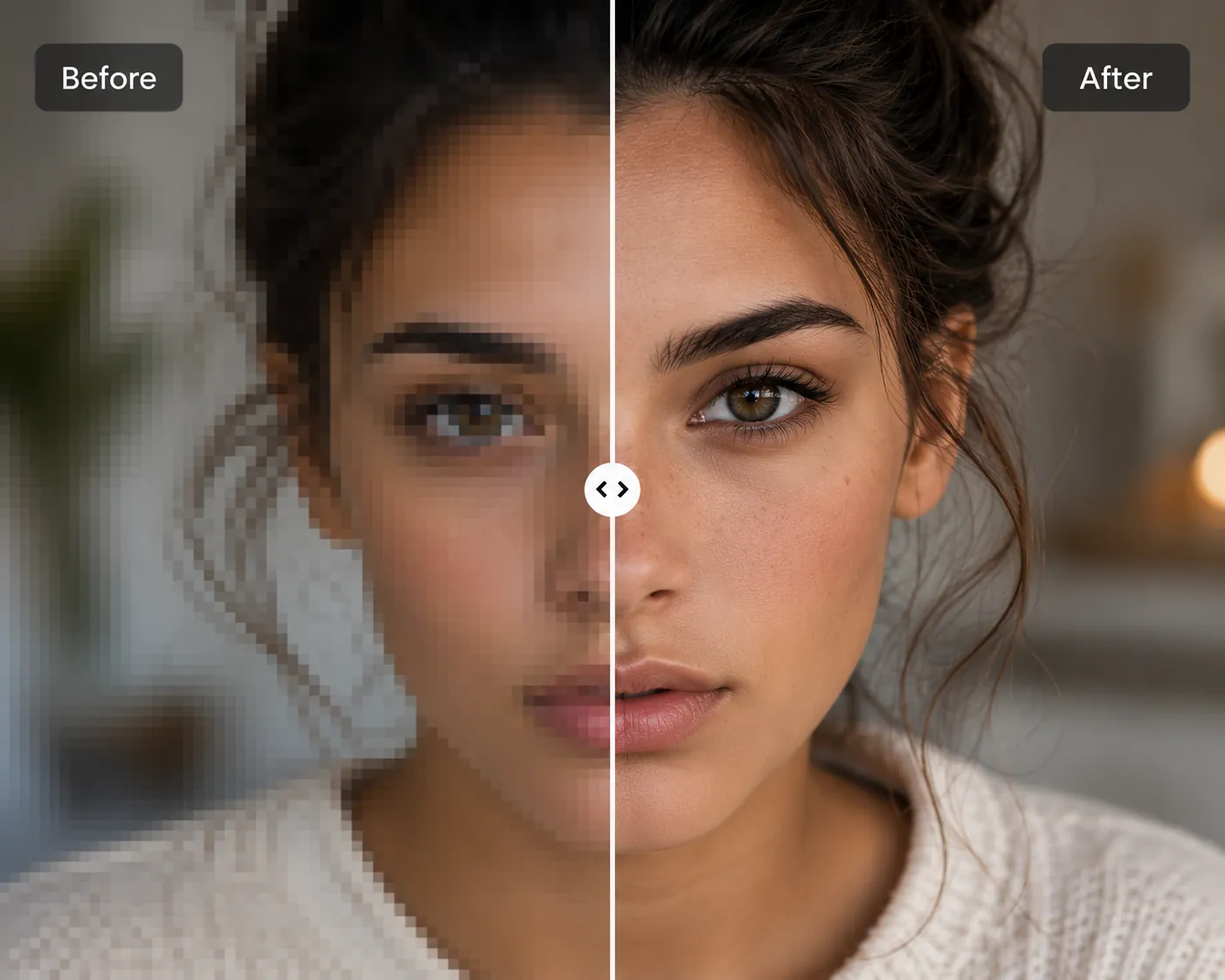
How AI upscaling actually works, and how to choose the right tool for the job.
1080 x 1350 pixels (4:5) is the common best choice for feed posts, as it takes up the most vertical space. Stories and Reels use 1080 x 1920.
Pinterest prefers a 2:3 shape (1000 x 1500). Make a dedicated version instead of reusing a 4:5 image.
You can start from one photo, but each platform needs its own shape. Extend or crop it for each.